
รหัสหลักสูตร
COPILOT-STU-ADV
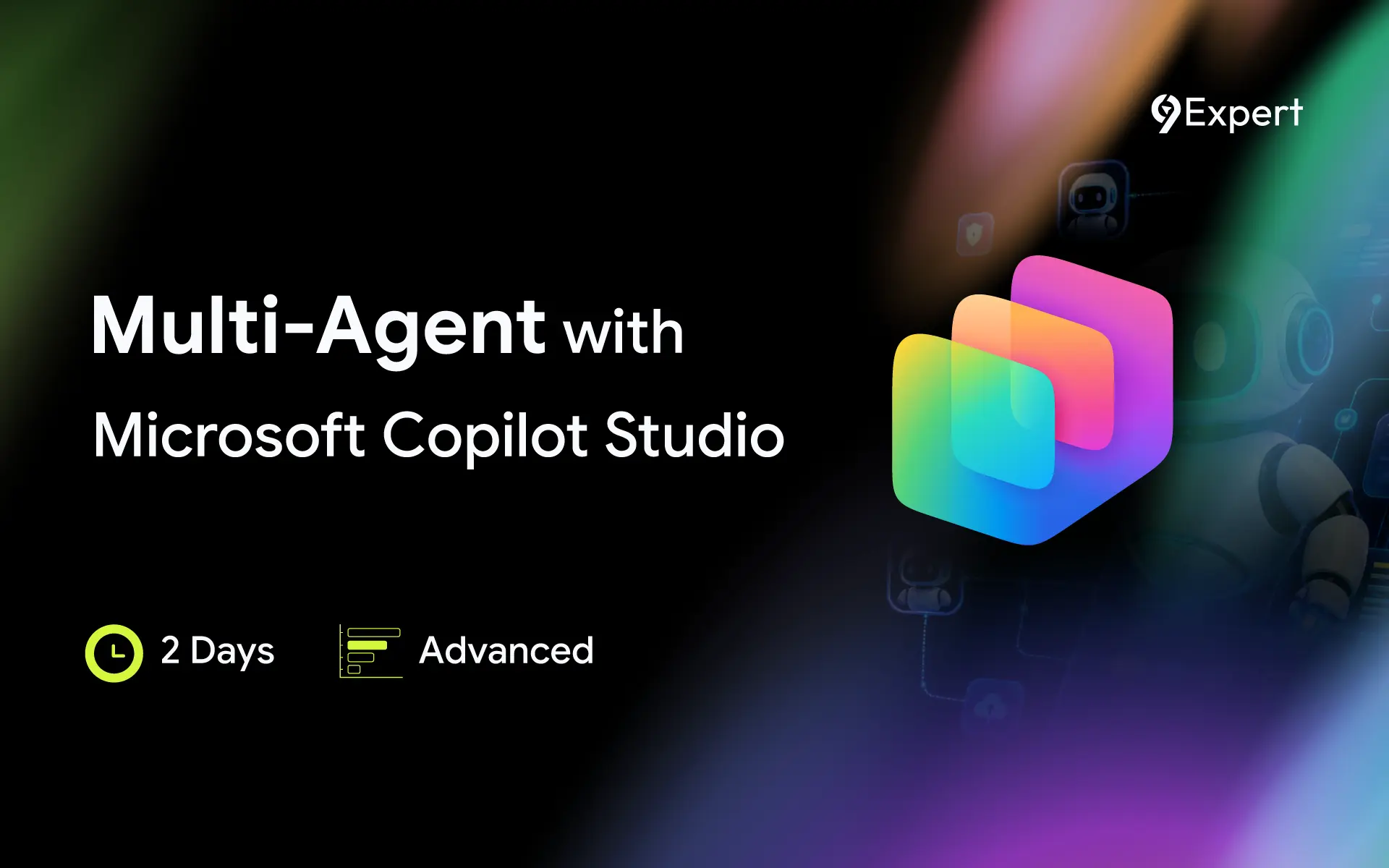
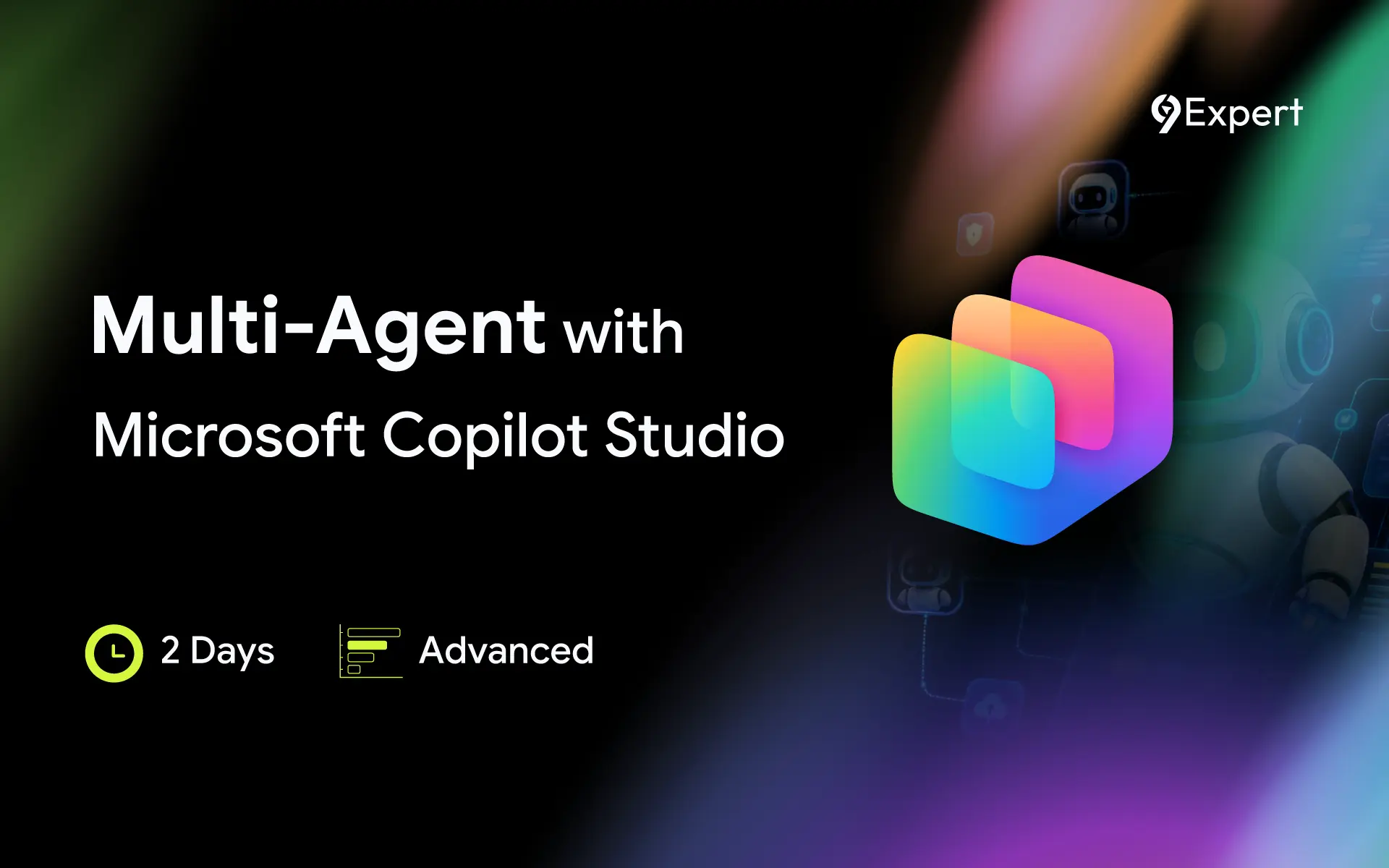
Multi-Agent with Microsoft Copilot Studio
ระยะเวลา
2
วัน
(
12
ชม.)
|ช่วงเวลา 9:00 - 16:00 น.
ประเภทการอบรม
Public
Inhouse
ราคา
14,900
*ราคาดังกล่าวยังไม่รวมภาษีมูลค่าเพิ่ม
ทักษะ (ระบุได้หลายทักษะ)
รูปแบบการอบรม
- Classroom
- Hybrid
Classroom : อบรมแบบ Class Room ณ ห้องอบรม 9EXPERT
Hybrid : (เลือกอบรมแบบ Class Room หรือ Ms Teams)
รอบการอบรม
วัตถุประสงค์
- เพื่อให้เข้าใจและสามารถออกแบบสถาปัตยกรรม AI Agent สำหรับการใช้งานระดับองค์กร
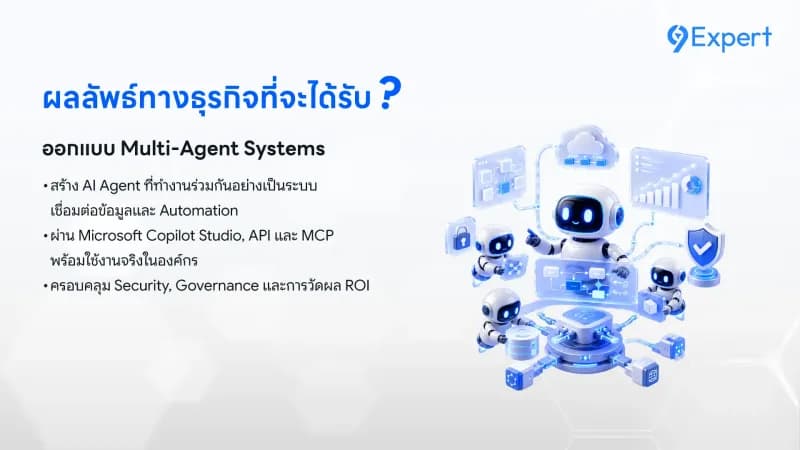
- เพื่อให้เชื่อมต่อ AI Agent กับข้อมูลและระบบองค์กรผ่าน Connectors, APIs และ MCP
- เพื่อให้สามารถพัฒนา Autonomous Agent ที่ทำงานอัตโนมัติและสนับสนุนกระบวนการทางธุรกิจได้
- เพื่อให้สามารถออกแบบ Multi-Agent System ที่ทำงานร่วมกันอย่างมีประสิทธิภาพ
- เพื่อให้เข้าใจแนวทางการกำกับดูแลด้านระบบ Security, DLP และ Responsible AI
- เพื่อให้สามารถวัดผล ประเมิน ROI และวางแผนการนำ AI Agent ไปใช้งานจริงในระดับ Production
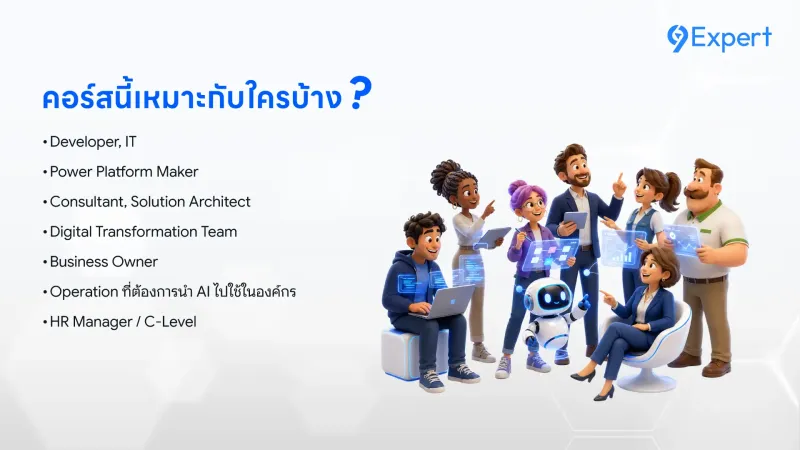
หลักสูตรนี้เหมาะสำหรับ
- Developer, IT ที่ต้องการสร้าง AI Automation
- Power Platform Maker, Consultant
- Solution Architect, Digital Transformation Team
- Business Owner, Operation ที่ต้องการนำ AI ไปใช้ในองค์กร
พื้นฐานของผู้เข้าอบรม
- มีประสบการณ์ใช้งาน Copilot Studio หรือ AI Agent เบื้องต้น
- เข้าใจแนวคิด Generative AI (Prompt / RAG / Workflow)
- มีพื้นฐาน Power Platform (เช่น Power Automate, Power Apps)
- สำหรับ Advanced Flow ควรมีพื้นฐาน API / Logic / Automation
ความต้องการของระบบ
- ระบบปฏิบัติการ Windows 11 / 10
- License: Microsoft 365 (Business Basic เป็นต้นไป และ 9Expert เป็นผู้ดำเนินการจัดเตรียมให้)
- License: Microsoft Copilot Studio (9Expert เป็นผู้ดำเนินการจัดเตรียมให้)
- Internet
หัวข้อการฝึกอบรม
- ส่วนประกอบของ Microsoft Copilot Studio (Instructions, Knowledge, Tools, Triggers, Channels)
- การกำหนดบทบาท Orchestrator และ Specialist Agent
- การวางแนวทาง Identity, Channel และ Deployment
- การเชื่อมต่อระบบภายในองค์กร (Enterprise Integration)
- การแยก Environment Dev/Test/Prod เพื่อควบคุมการ Publish Agent อย่างเป็นระบบ
- การจัดการ Knowledge Source และ Metadata
- การเชื่อมต่อ Copilot และ Power Platform Connectors
- การใช้ Azure AI Search
- การควบคุม Ungrounded Response
- การออกแบบ Test Set
- การออกแบบ Tool Contract
- การสร้าง Agent Flow และ Error Handling
- การใช้ Power Fx และ Regex
- การออกแบบขั้นตอน Human-in-the-Loop
- การเชื่อมต่อ API และ Custom Connector
- การกำหนด Topic และ Flow
- การออกแบบ Adaptive Cards
- การทำ Suggested prompts
- การจัดการ Variables และ Response Formatting
- การกำหนด Instruction (Agent Policy)
- การออกแบบ Tool Description
- การทดสอบการเลือก Tool (Selection Test)
- การ Debug Decision Path
- การทำ Regression Testing
- การตั้งค่า MCP Server และ Authentication
- การจัดการ Tools และ Resources
- การใช้งาน MCP ร่วมกับ Orchestration
- การตั้ง Trigger อัตโนมัติ ด้วย Recurrence type
- การ Classify และ Extract ข้อมูล
- การออกแบบ Auto Action และ Human Review
- การสร้าง Decision Log
- การดำเนินงานแบบต่อเนื่อง (Continuous Execution)
- การออกแบบระบบ Multi-Agent แบบ Parent Agent และ Child Agent
- การกำหนด Handoff Contract
- การกำหนด Role Boundary
- การทดสอบ Multi‑Agent
- การวาง Environment Strategy
- การควบคุม Data Loss Prevention (DLP)
- การจัดการ Authentication
- Responsible AI และ Risk Management
- ประเมิน Security ก่อน Production
- การสร้าง Test Set และ Evaluation Method
- การอ่าน Analytics
- การติดตาม Autonomous Health
- การทำความเข้าใจแนวคิด Application Lifecycle Management (ALM)
- การคำนวณ KPI และ ROI เพื่อประเมินความคุ้มค่า